
Assigning a contractor
Give a job to the right contractor.
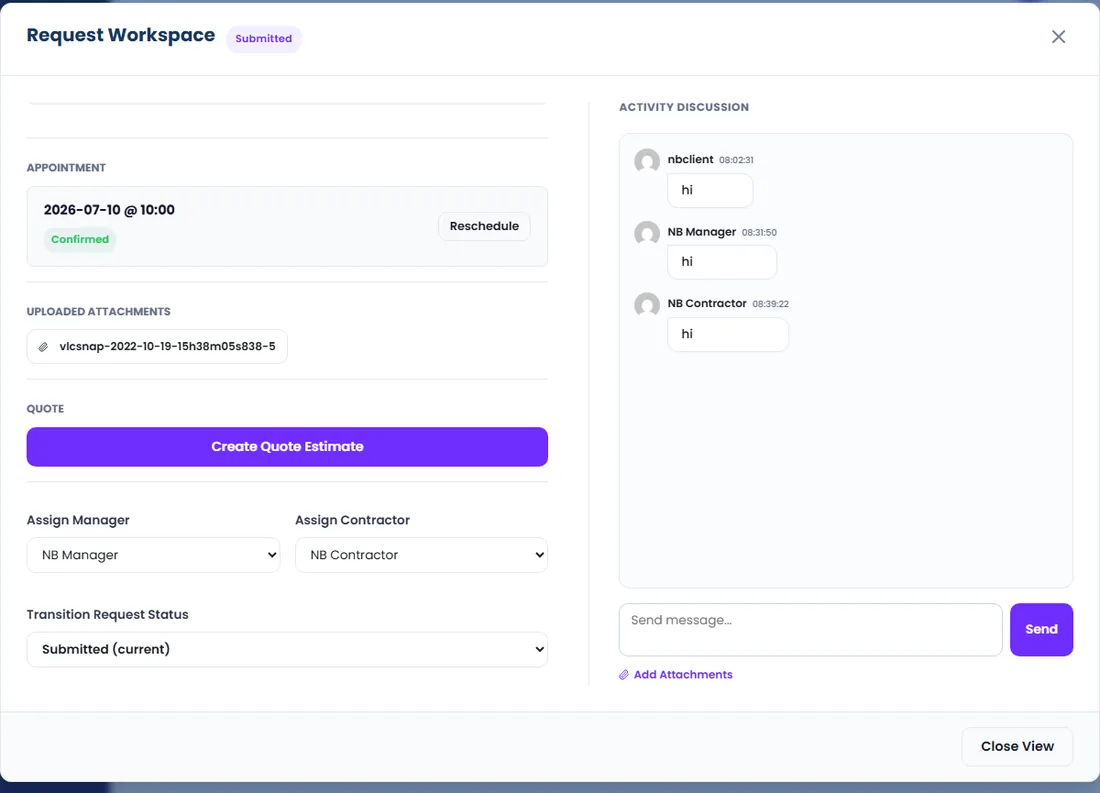
- 1Open the request workspace.
- 2Choose a contractor from the assignment dropdown and confirm.
- 3The contractor is notified and the job appears in their Assigned Requests.
Tip: The client can see which contractor is handling their project on their dashboard.













