
Your assigned jobs
You only see the requests that have been assigned to you.
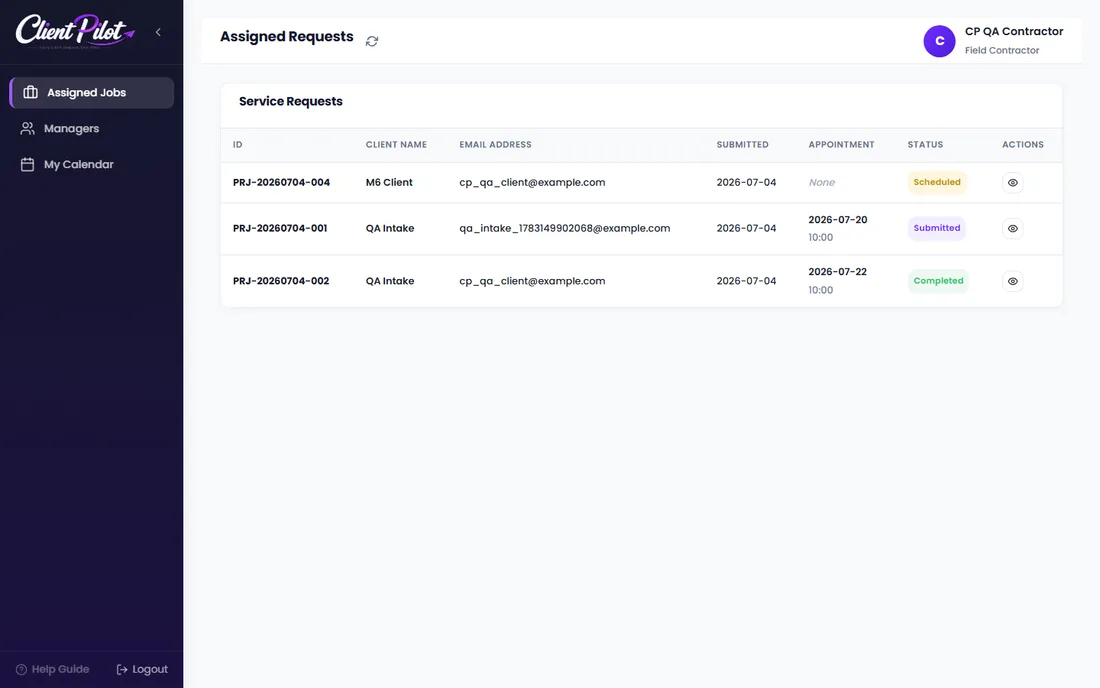
- 1Open Assigned Requests to see your jobs.
- 2Open a job to view the details, files, and appointment.
- 3Use the chat to coordinate with the client and manager.
Tip: Check My Calendar for your upcoming consultations.













