
Booking or rescheduling a consultation
Pick a time that works for you, or change one you already booked.
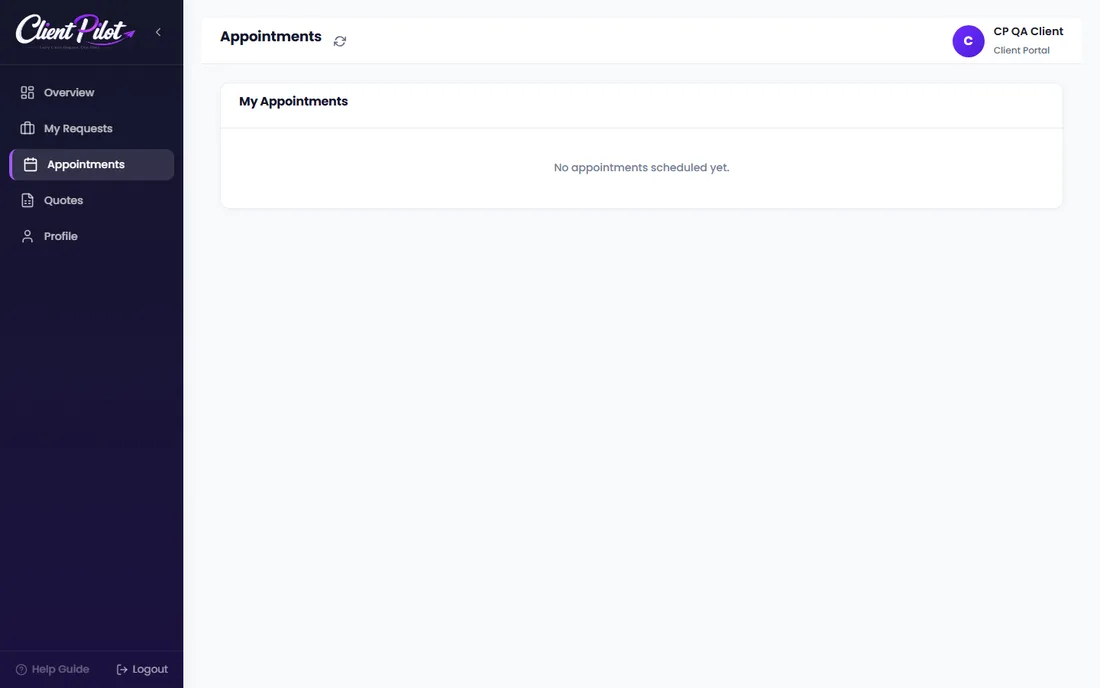
- 1On the request form (or your Appointments tab), choose a date to see open time slots.
- 2Pick a slot and confirm.
- 3To change it later, open Appointments and click Reschedule, then give a reason.
- 4To cancel, click Cancel and confirm.
Tip: You only ever see times that are actually available, so there are no clashes.













