
Branding your portal
Make the client-facing portal match your own company brand.
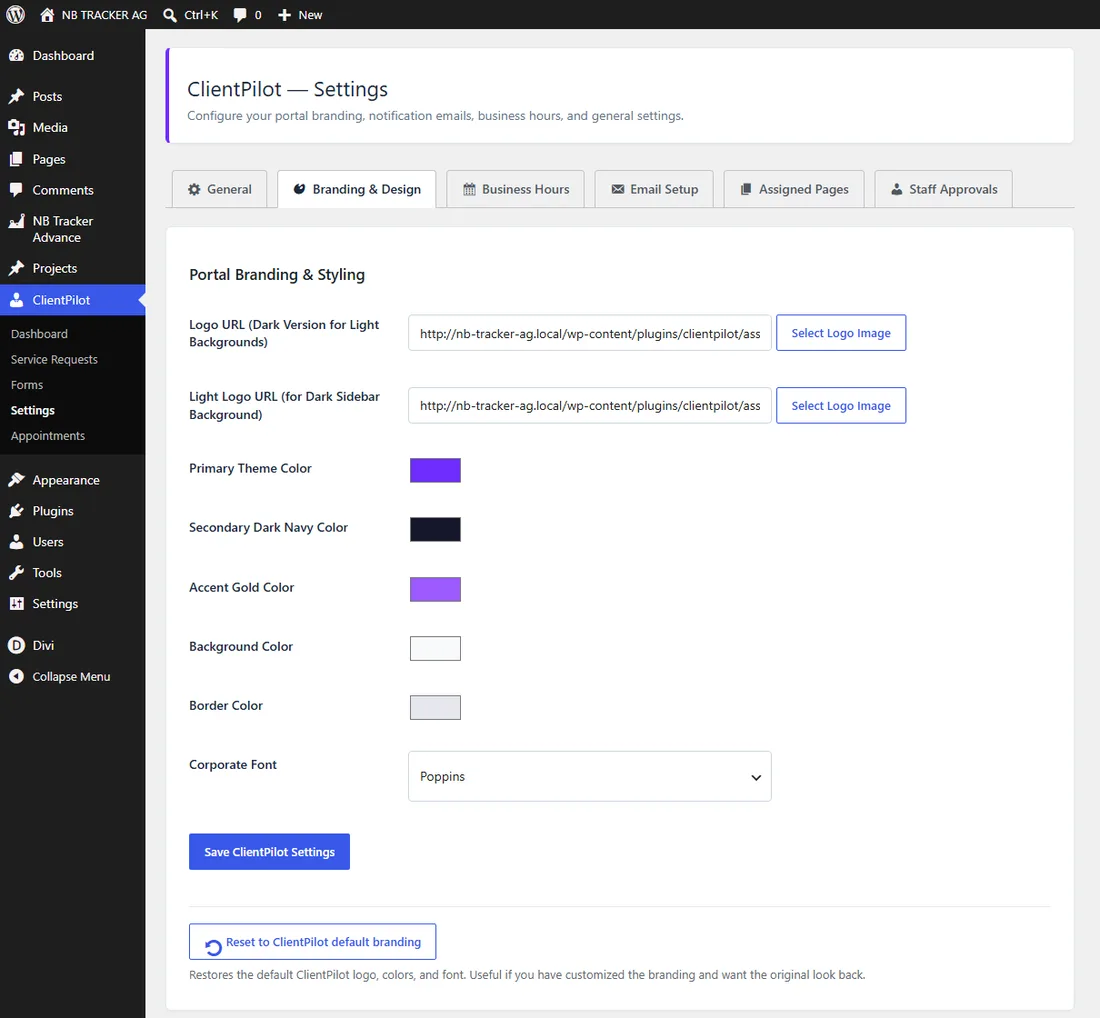
- 1Go to ClientPilot → Settings → Branding & Design.
- 2Upload your logo (a light-background version) and, if you have one, a white version for the dark sidebar.
- 3Set your primary color, accent, and background.
- 4Save. Your login page and dashboards update instantly.
Tip: Changed your mind? Use "Reset to ClientPilot default branding" at the bottom to restore the original look.













