
Building intake forms
Customize the form clients fill in to request work.
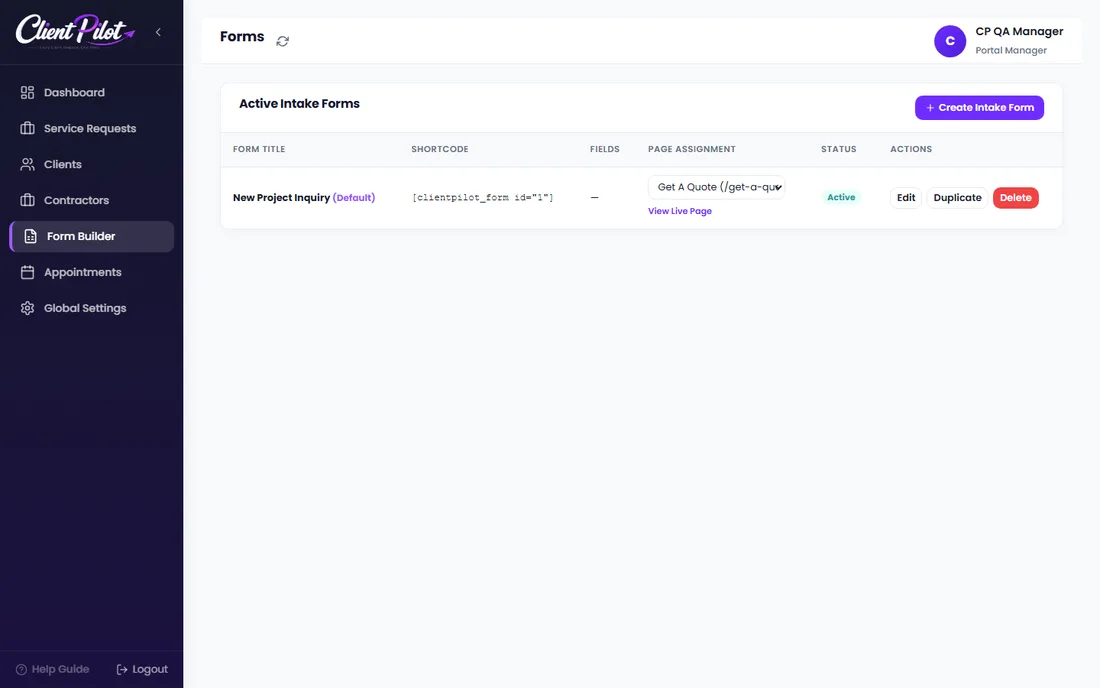
- 1Open Form Builder and click Create Intake Form (or Edit an existing one).
- 2Add, reorder, and configure fields on the Fields tab.
- 3Set the calendar and email options on the Settings tab.
- 4Assign the form to a page, or use its shortcode on any page.
Tip: The default form already has the common fields — you can start from that and adjust.













