
Chatting with your team
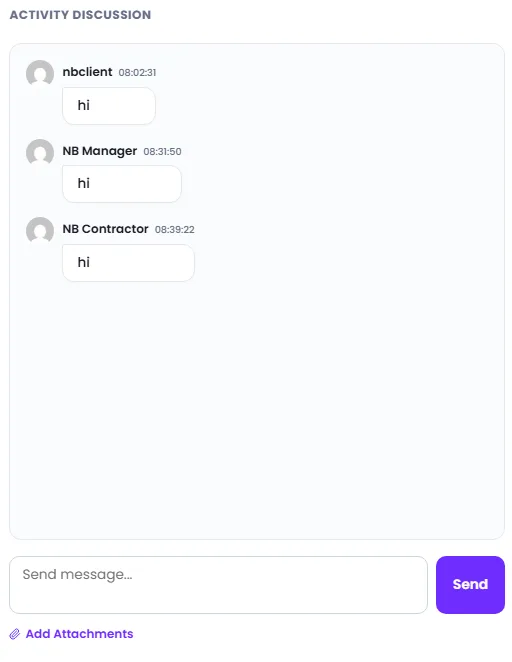
Every request has its own chat, so all your messages and files stay in one place.
- 1Open a request from My Requests.
- 2Type your message in the chat box on the right and press send.
- 3Use the paperclip to attach photos or documents.
Tip: Your team is notified of new messages, so you do not need to email separately.













