
Creating your account and logging in
An account lets you track everything and chat with your team in one place.
- 1After you submit a request, choose "Create an account to track your project".
- 2Your name and email are already filled in from your request — just choose a password.
- 3Check your inbox and click the verification link.
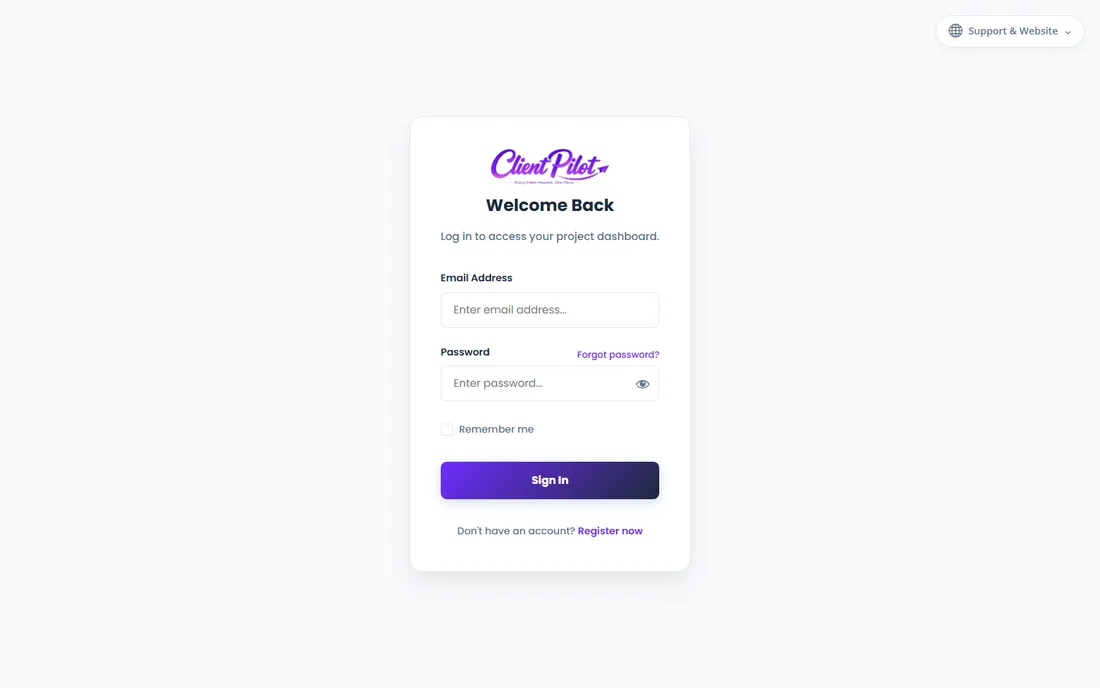
- 4Log in any time from your Client Login page.
Tip: Use the same email you entered on the request form so everything links together automatically.













