
First-time setup
Get your portal live in a few minutes. You only do this once.
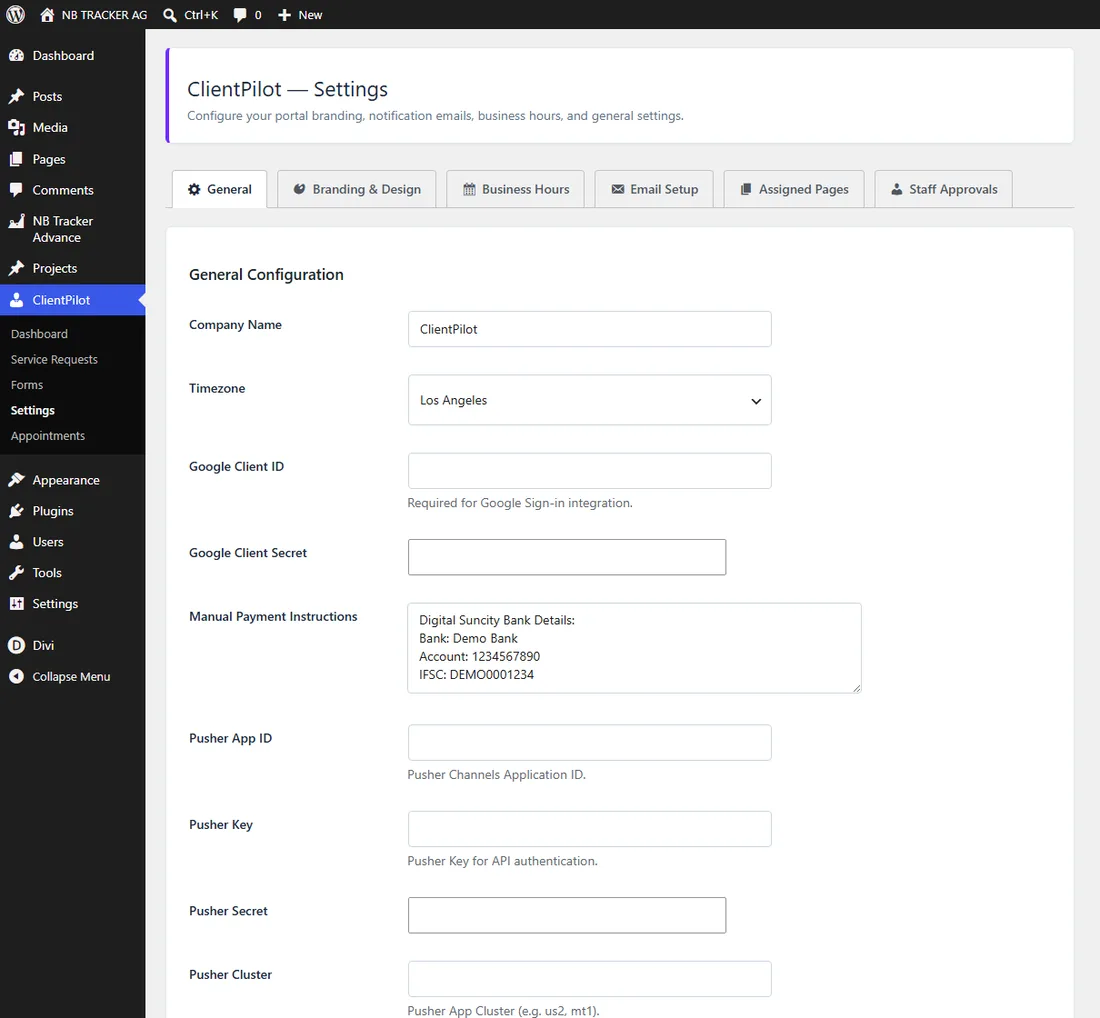
- 1Go to ClientPilot → Settings and enter your company name.
- 2Open the Email Setup tab and set your sender name and email so notifications come from you.
- 3Open Assigned Pages and confirm your login, dashboard, and request pages are set.
- 4Open Business Hours and choose when you take consultations.
- 5Invite your team (see "Inviting and approving your team").
Tip: You can rebrand the portal under Settings → Branding, and reset to the ClientPilot look anytime with one button.













