
Handling a request
The request workspace is where you manage a job from start to finish.
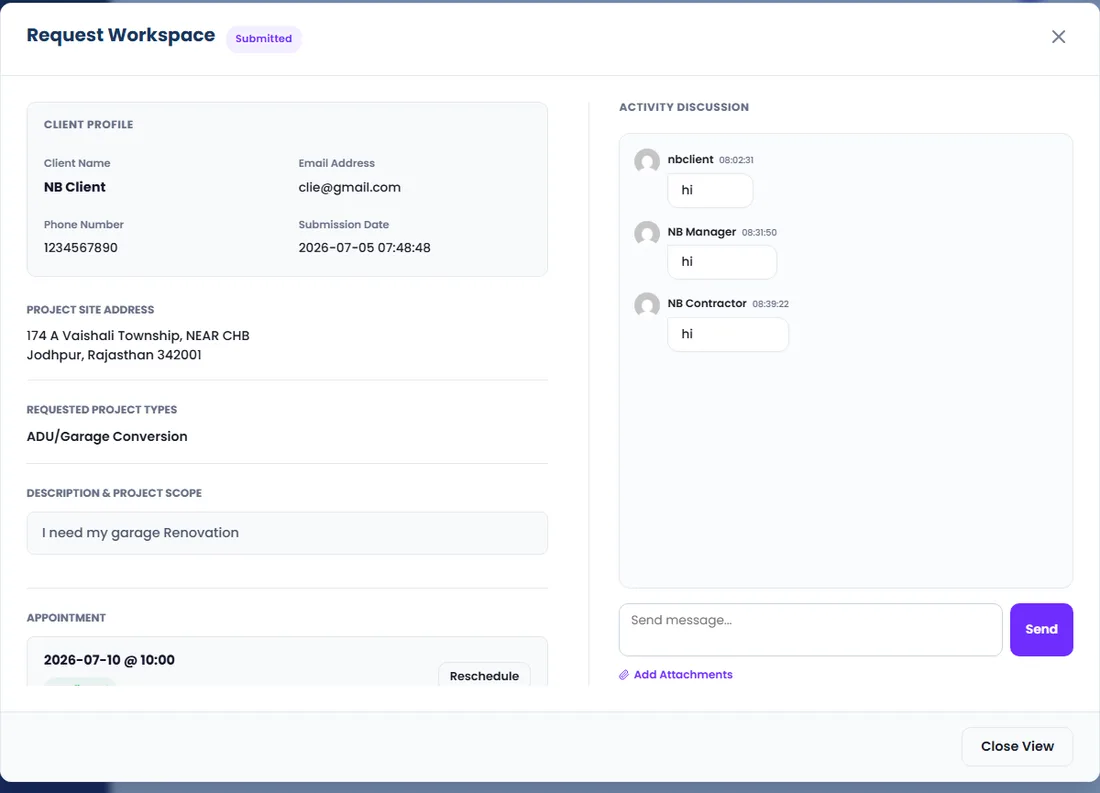
- 1Open Service Requests and click the eye icon to open a request.
- 2Review the details, assign a contractor, and move the status forward as the job progresses.
- 3Use the chat to talk with the client, and create a quote when you are ready.
Tip: The status you choose controls what the client sees and which emails go out — move it forward step by step.













