
Turning on live chat (optional)
Enable real-time chat so messages appear instantly without refreshing.
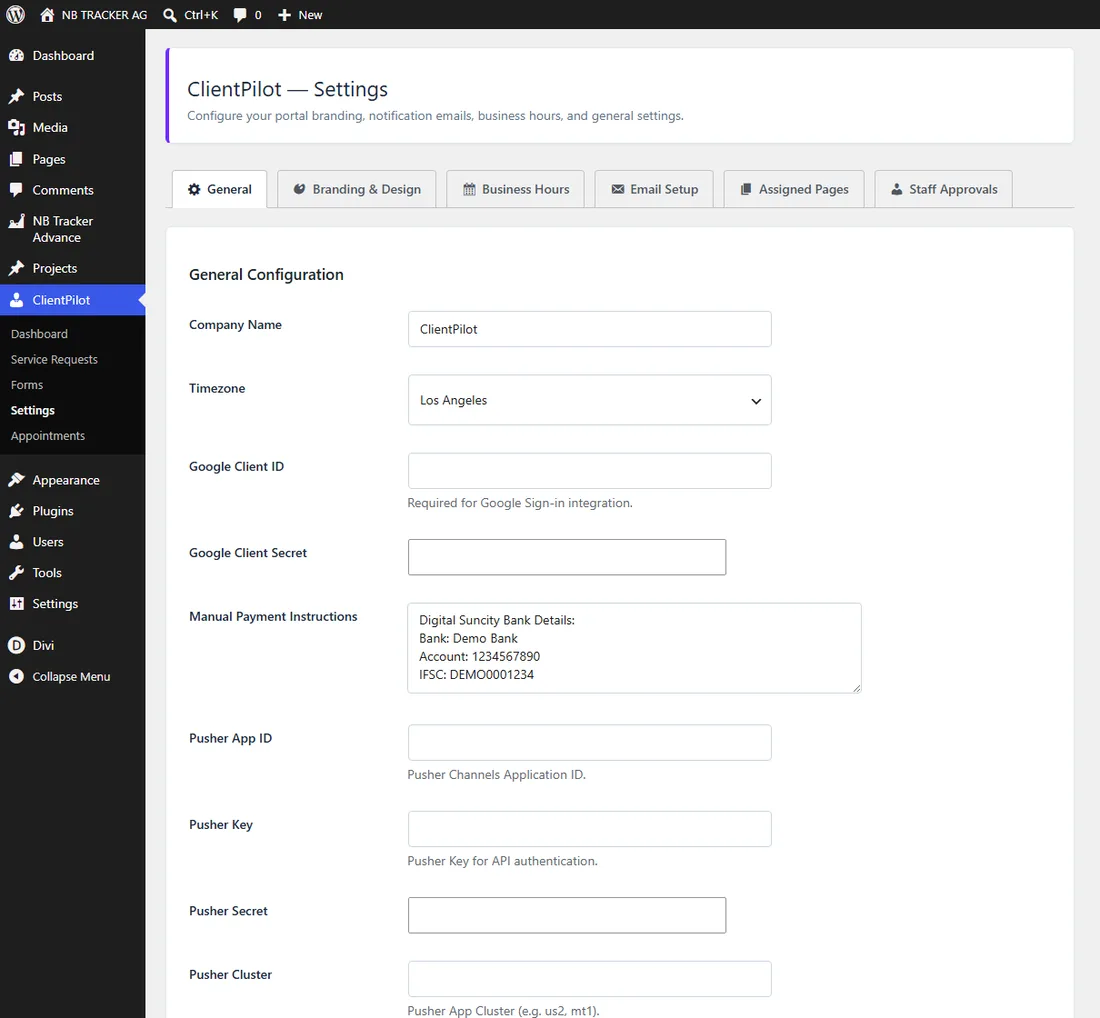
- 1Create a free app at pusher.com (Channels).
- 2Go to ClientPilot → Settings → General and enter the Pusher App ID, Key, Secret, and Cluster.
- 3Save. Chat now updates in real time.
Tip: Without this, chat still works — it just refreshes on a short delay instead of instantly.













