
Setting up the Support and Website menu
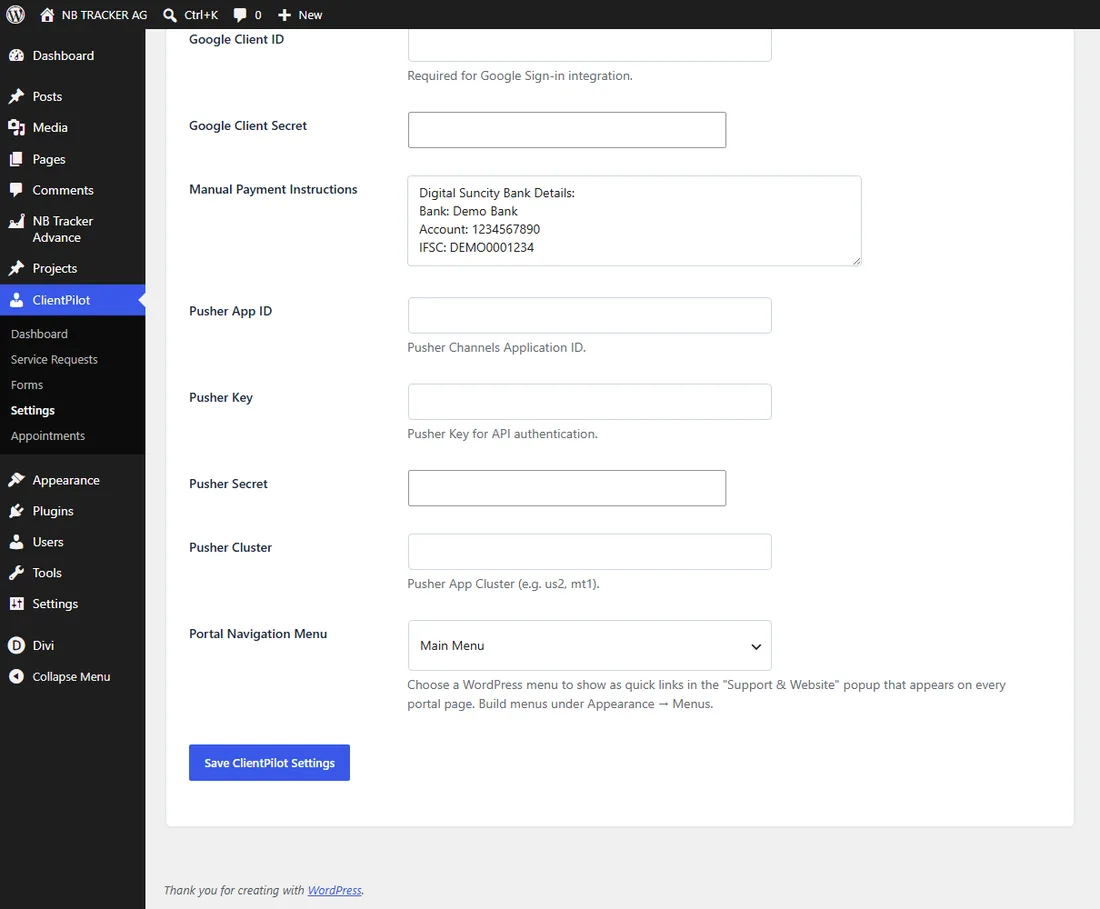
Choose which links appear in the floating "Support and Website" button shown on every portal page.
- 1In WordPress, go to Appearance → Menus and create a menu (for example "Portal Links").
- 2Add the links you want people to reach — your website home, Get a Quote, Contact — then save the menu.
- 3Go to ClientPilot → Settings → General and set "Portal Navigation Menu" to that menu.
- 4Save. The floating "Support and Website" button now lists those links on every portal page.
Tip: Your support email and phone (from the Email Setup tab) are added automatically, and logged-in users also get a "Go to My Dashboard" shortcut.













