
Updating your profile and password
Keep your details current and change your password securely.
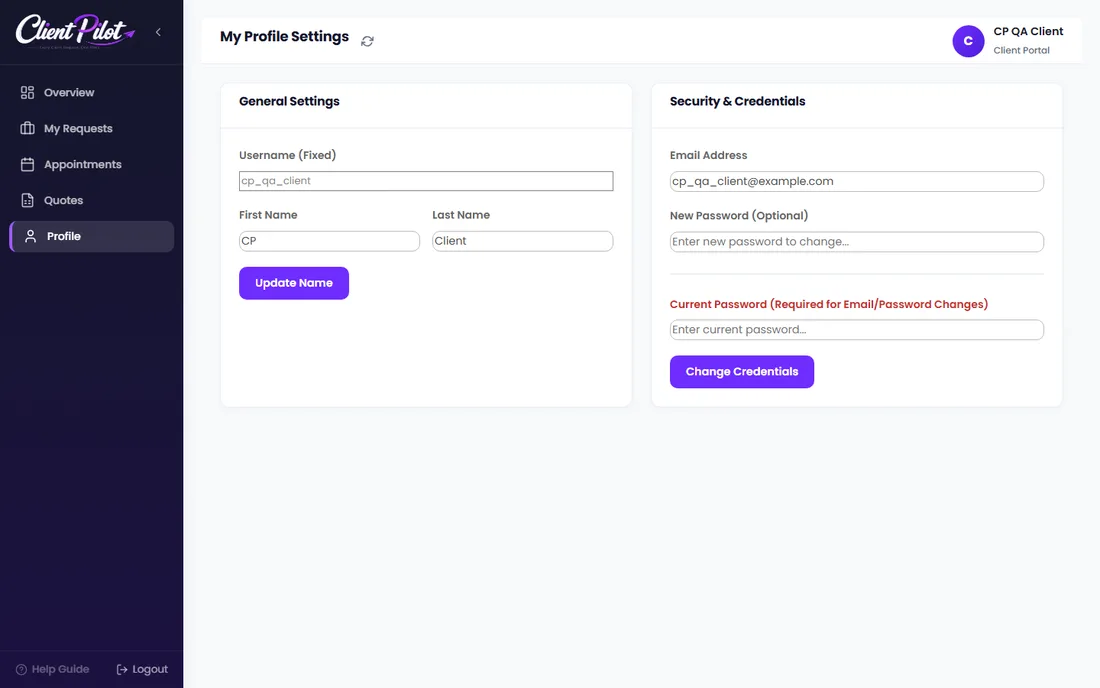
- 1Open the Profile tab.
- 2Update your first and last name and click Update Name.
- 3To change your email or password, enter the new value and your current password, then save.
Tip: Your current password is required for email or password changes — this keeps your account safe.













