
Resetting your password
Forgot your password? You can set a new one in a couple of minutes.
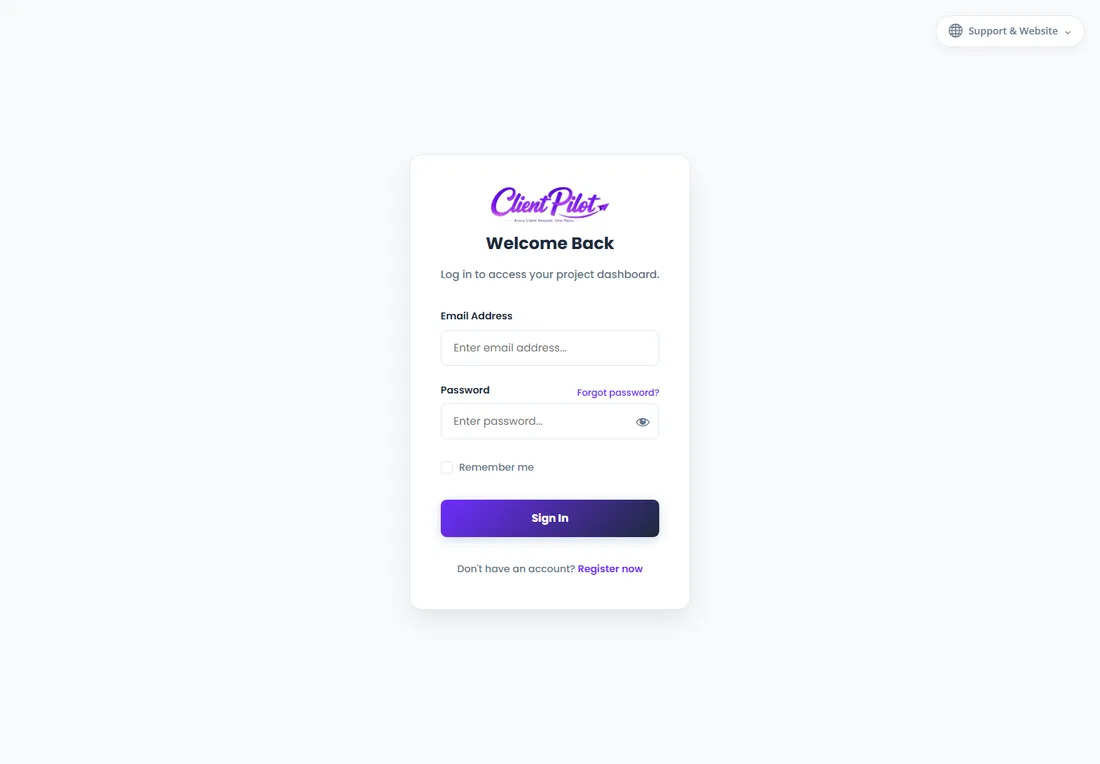
- 1On the login page, click "Forgot password?".
- 2Enter the email address on your account and submit.
- 3Check your inbox for a password reset email (look in spam if it is not there).
- 4Click the link in the email — it opens a secure "Reset Your Password" page.
- 5Enter a new password, confirm it, and click Save Password.
- 6Log in with your new password.
Tip: The reset link expires after a while for your security — if it stops working, just request a new one.













