
Reviewing and accepting your quote
When we send a quote, you can review it and accept or decline it right from your dashboard.
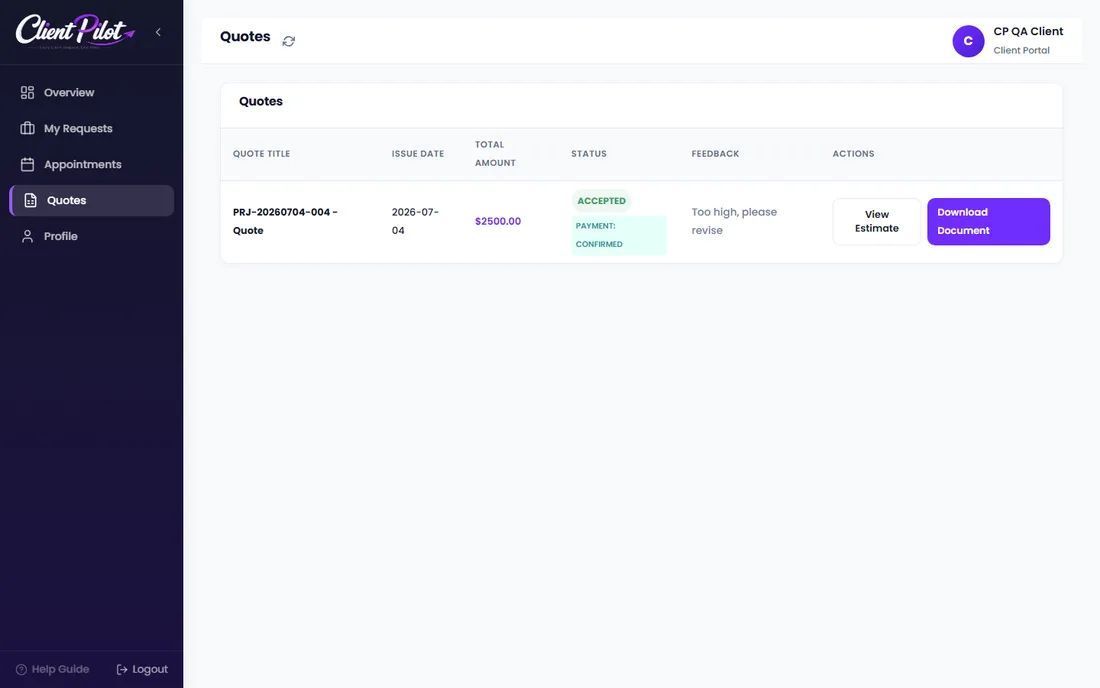
- 1Open the Quotes tab in your dashboard.
- 2Click Review & Sign to open the quote.
- 3Read the details and total. If you have questions, use the chat.
- 4Click Accept to approve it, or Decline with a reason.
- 5Once accepted, payment instructions appear automatically in your project chat.
Tip: You can download a copy of any quote for your records.













