
Creating and sending a quote
Create a priced quote and send it to the client for approval.
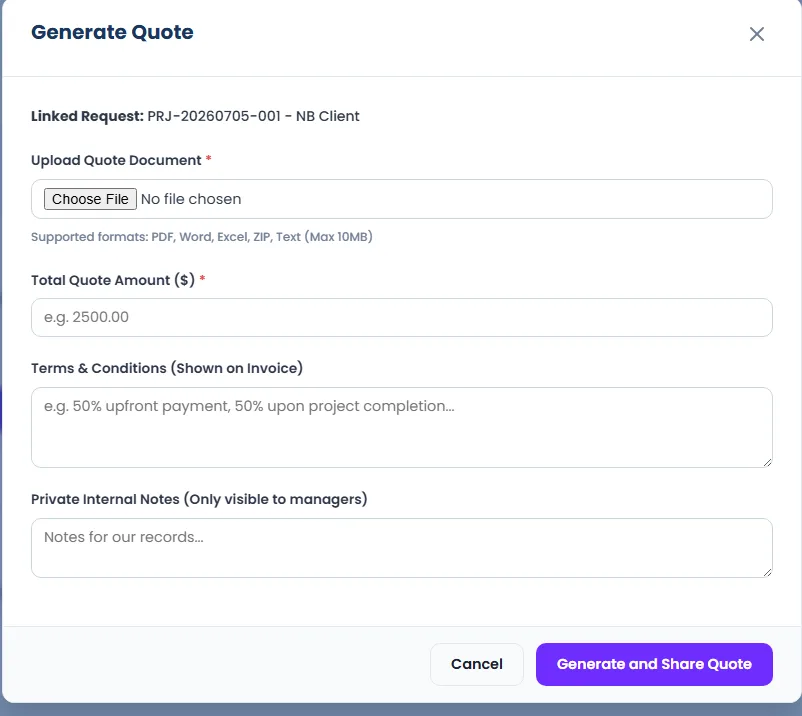
- 1In the request workspace, click Generate Quote.
- 2Enter the amount and any details.
- 3Send it — the client is notified and can accept or decline from their dashboard.
- 4When the client accepts, confirm their payment to move the job to scheduled.
Tip: Each quote gets its own record so you can always see what was sent and when.













