
How to send us your request
This is how you tell us about your project so we can prepare your quote. It takes about two minutes.
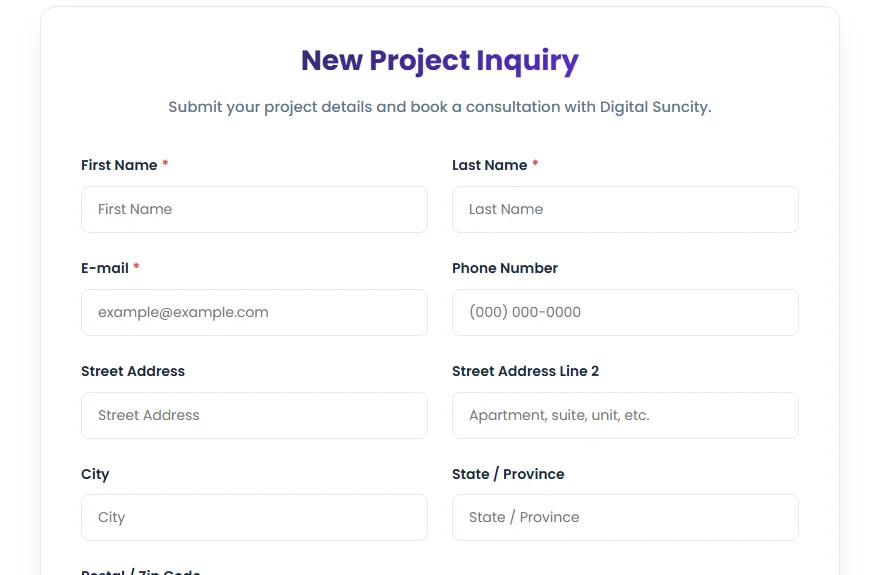
- 1Type your full name.
- 2Add your email — this is where we send your updates, so double-check it.
- 3Add your phone number.
- 4Describe your project in your own words. The more detail you give, the better your quote.
- 5Add photos if you have them. They are optional, but they help us a lot.
- 6Pick a date if you would like to book a consultation.
- 7Click Submit request. You will see a confirmation and a Request ID.
Tip: Save your Request ID. You can use it to track your project even before you create an account.













