
Tracking your request
See exactly where your project is, step by step.
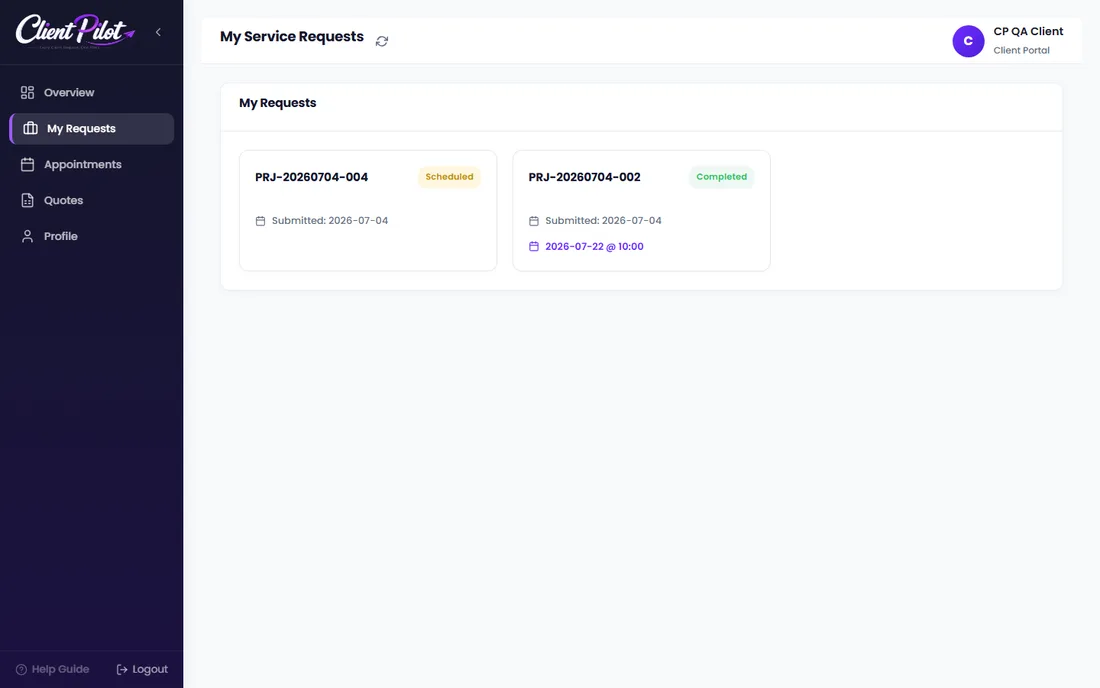
- 1Open My Requests and click a project to open it.
- 2The progress timeline shows the current stage, from submitted to completed.
- 3You can see your assigned team, appointment, files, and quote here too.
Tip: The status updates automatically as our team moves your project forward.













